

- 0 Saved
- 0 Views
- 0 Videos
- Introduction:
- AI-powered PDF editor for Windows, Mac, iOS, and Android with comprehensive PDF tools.
- Added on:
- Nov 1, 2026
- Website:
- updf.com
Featured Tools
Introduction
AI-powered PDF editor for Windows, Mac, iOS, and Android with comprehensive PDF tools.
- Added on
- Nov 1, 2026
- Website
- updf.com
- Pricing model
- Freemium
Product information
What is UPDF?
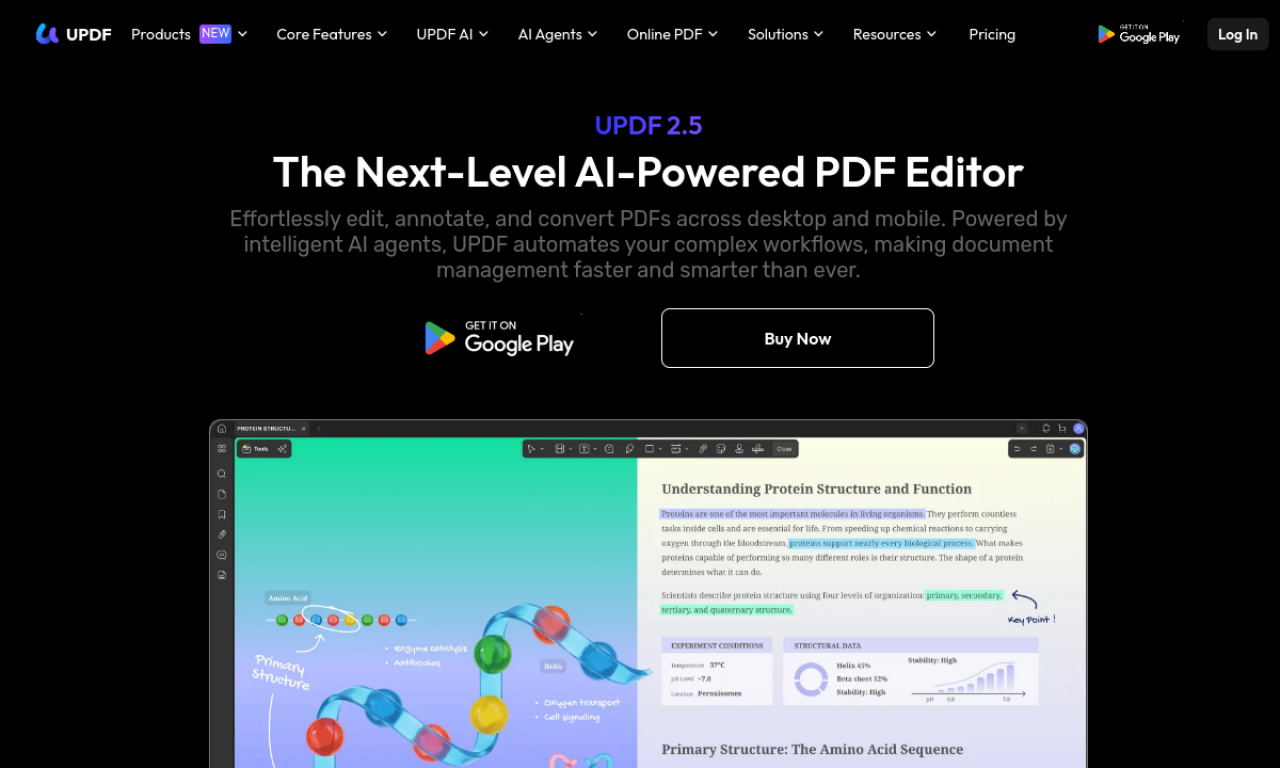
UPDF is a PDF toolkit with AI features for working with documents. It is available as a downloadable app on several platforms, plus an online version for AI tasks.
Core features of UPDF
- AI-powered PDF editing
- PDF reading and annotation
- PDF conversion and creation
- PDF organization and compression
- PDF protection and signing
- AI summarization, translation, and explanation
Use cases of UPDF
- 1Summarizing long PDF documents
- 2Translating PDF files
- 3Explaining technical terms in a document
- 4Chatting with a PDF to find answers
- 5Protecting sensitive PDFs with passwords
How to use UPDF?
Use the app for full PDF editing, or the online version for AI tasks such as summarizing and translating. Upload a PDF, then ask questions about it or run the tool you need. Activating all features requires a license.
Frequently asked questions about UPDF
How does UPDF AI differ from other PDF AI tools?+
You upload a PDF and ask questions about it directly. The free plan can answer questions about the file without a separate ChatGPT account.
Do I need to buy UPDF separately for each platform?+
No. One purchase on one account works on Windows, Mac, iOS, and Android.
What is the difference between the UPDF app and UPDF AI Online?+
The app is downloadable software with editing and AI tools. UPDF AI Online runs in a browser and focuses on AI tasks such as summarizing and translating.
Which category is UPDF in?+
UPDF is listed under Productivity, AI PDF Tools.